Entity inspector
Aim at a vehicle, ped or prop and read what the game and server know about it. Freeze, repair, clean, respawn or delete networked entities, with protected ones excluded.
 STORE
Aim at a vehicle, ped or prop and read what the game and server know about it. Freeze, repair, clean, respawn or delete networked entities, with protected ones excluded.
Find entities whose resource has stopped. Scan and removal are separate steps, every entity is re-checked before deletion, and every removal is logged.
See a player's live health, armor, position, framework data and inventory. Edit health, armor, needs and job with a reason; money and items stay read-only.
Draw box, circle and polygon zones in the world. Export for ox_lib, ox_target, PolyZone, qb-target, JSON or Lua, and import zones back as JSON.
Place, rotate, snap and copy props with undo and redo. Save sets of up to 500 props and export them as JSON, Lua or a ready-to-use spawn script.
See your saved zones in the world. Green means your job, grade, permission and role fit; red shows the exact condition that blocks you.
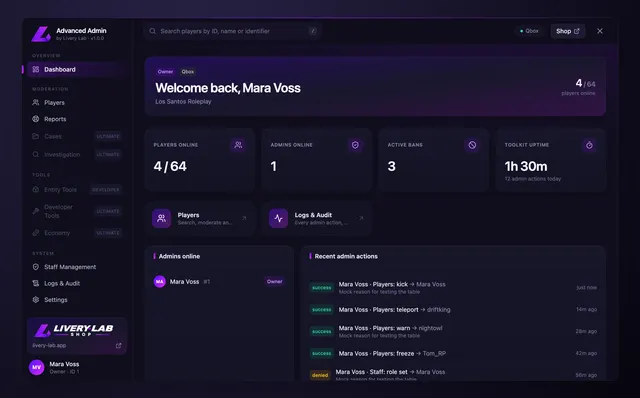
The developer edition turns the admin panel into a tool for construction and troubleshooting. You aim at an object in the game, see all the data, draw zones directly in the world and export them for your scripts.
Entity Inspector
Ghost Entity Cleaner
Player State
Zone Editor
Prop Editor
Interaction Debugger
Quick Menu Additions (F3)
Installation, configuration and every tool are covered in the Help Center.
First release of the Developer edition: everything in Core plus entity inspector, Ghost Cleaner, Player State, zone editor, prop editor and interaction debugger.
No reviews yet. Buyers can rate the product on our Discord after purchase.